[ART]GO!
Lead UX Designer (End-to-End) / Researcher
Researcher, timeline: September 2025 - June 2026,
Tools used - Figma, Paper, Pen, Google Sheets, Docs and Slides
Mobile App Case Study
-
Users struggle to find affordable museum experiences and often feel overwhelmed by museum websites. Traditional museum visits can be passive and confusing—visitors wander without direction, miss key exhibits, and leave without a meaningful connection to the art or a clear record of what they saw.
-
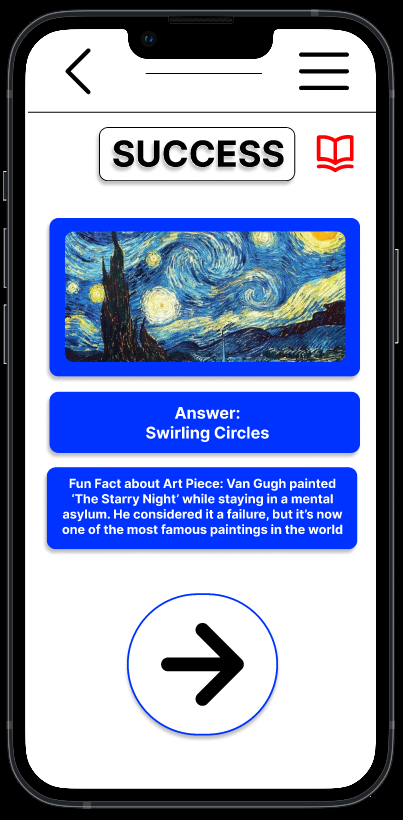
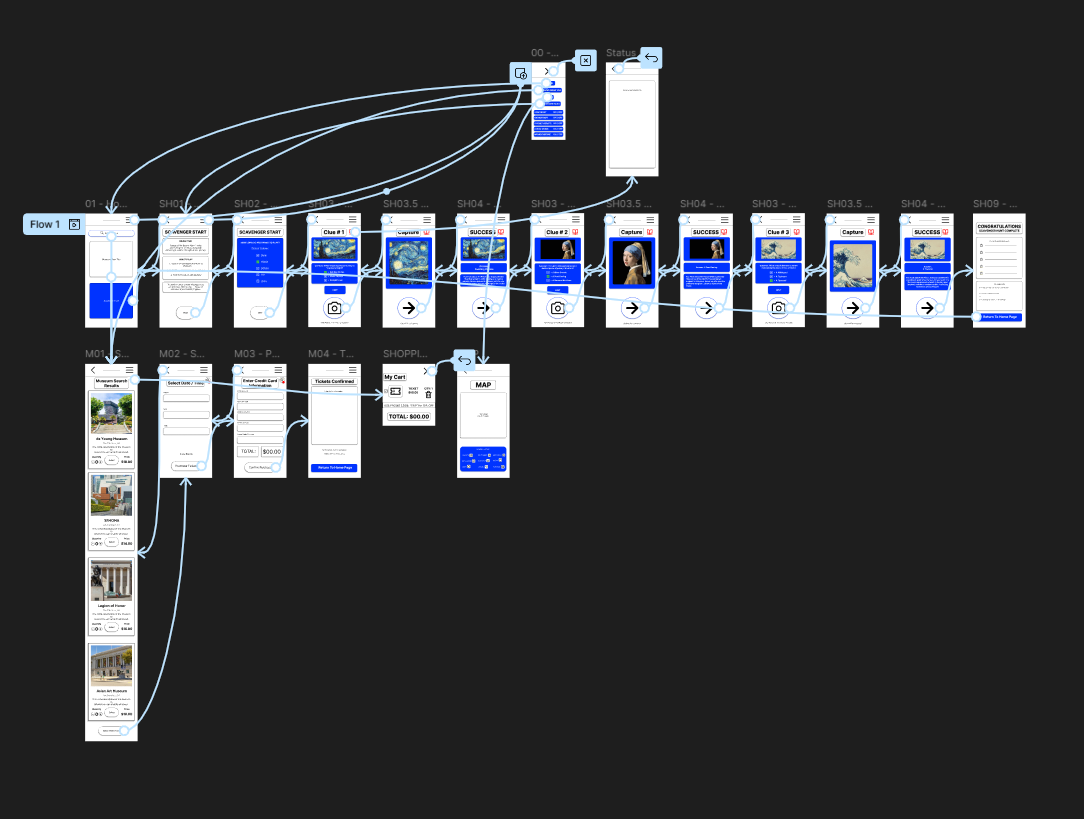
A mobile app that helps users discover free museum days, navigate exhibits, and engage with art through a gamified scavenger hunt. The app encourages exploration through camera‑based challenges and an interactive map, while allowing users to log what they learn and create a personalized digital souvenir of their visit.
-
1. Users felt confused by the riddle format before collecting the photo.
"I was trying to figure out how to complete it?" — Paul (Product Manager, X)
2. Users felt the map made the scavenger hunt feel like "cheating."
"A scavenger hunt normally doesn't have a map to tell you where to go." — Spencer (Quality Assurance, Video Game Industry)
3. Users wanted a way to capture what they learned during their visit.
"I want to jot something down quickly… or maybe use voice to text… leave myself a note." — Josie (Graphic Designer, Event Management)
-
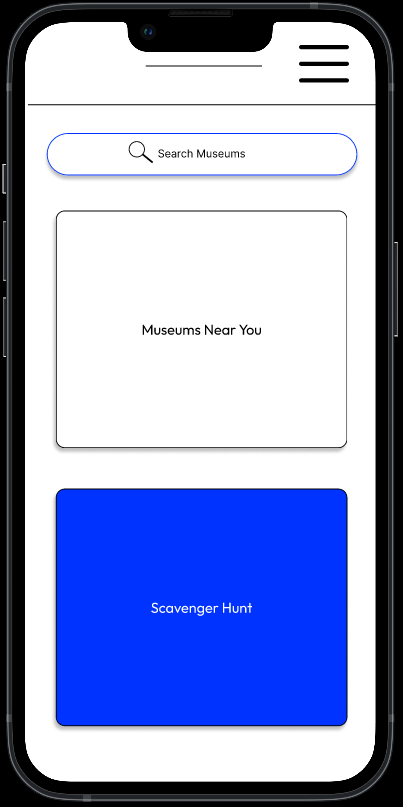
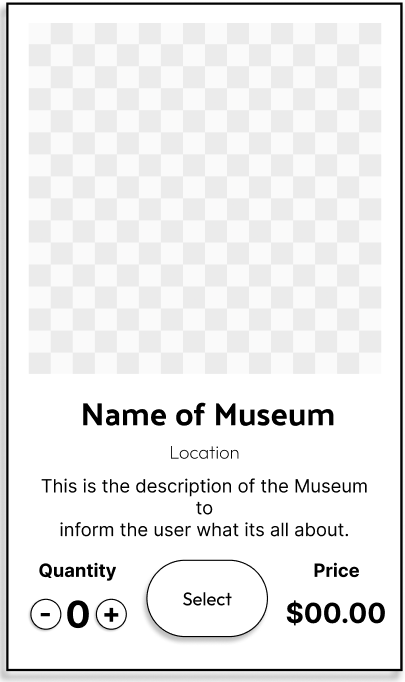
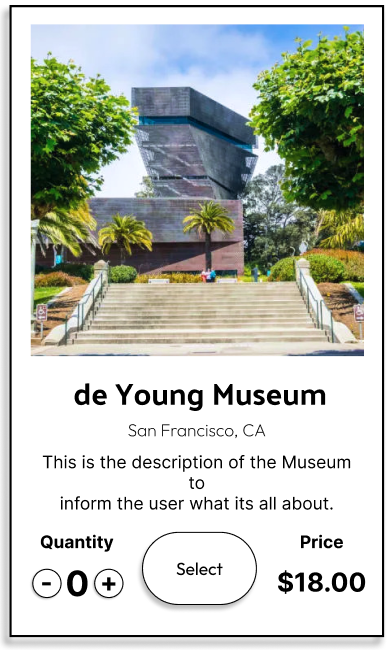
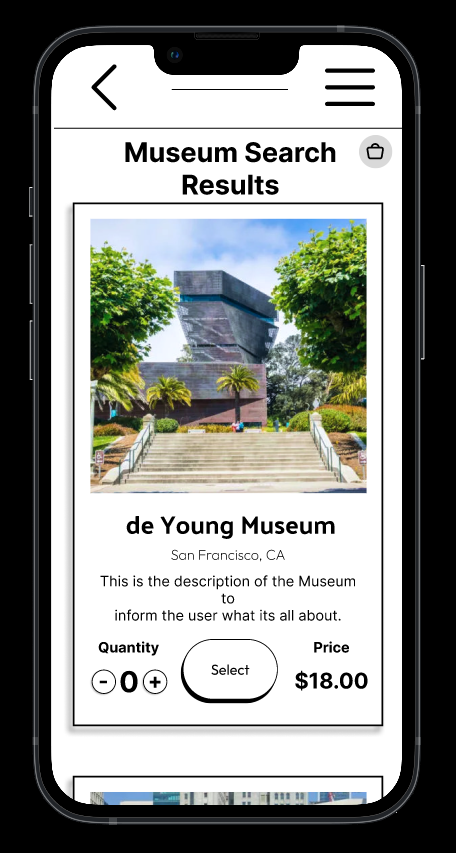
1. Card‑based layout – I chose a card layout to make museum options scannable at a glance, helping users quickly compare and choose.
2. Consistent design system – I built a reusable sticker sheet with buttons and components, making the design scalable and easy to update.
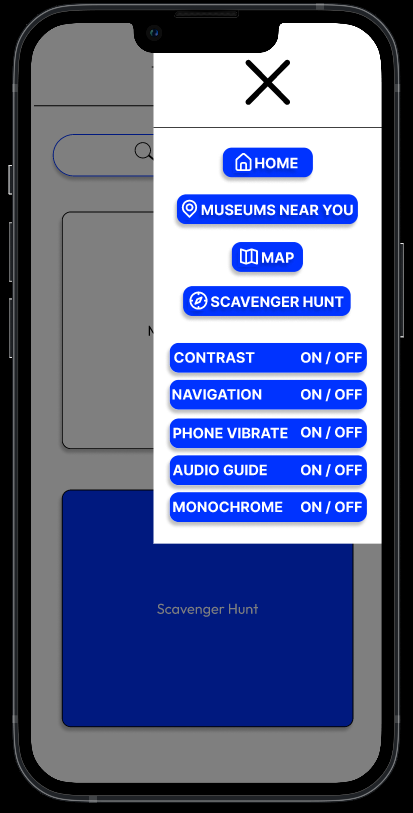
3. High‑contrast accessibility – I prioritized accessibility by using a high‑contrast color palette of Blue (#0033FF) and White (#FFFFFF) to support users with low vision.
-
During testing, I discovered three key issues: the riddle question was confusing, the map made the scavenger hunt feel like cheating, and the QR code limited participation to museums that had codes.
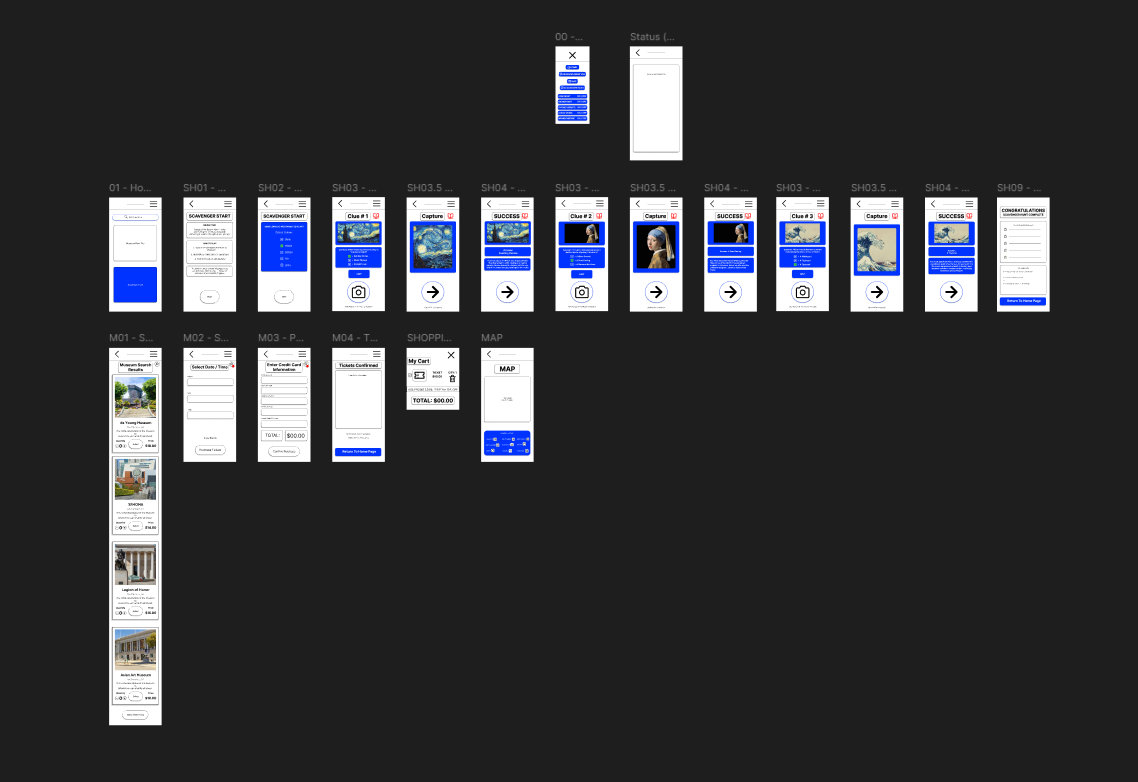
I responded by replacing the riddle with a multiple‑choice question and a hint system, moving the map to a separate settings section to preserve the hunt experience, and replacing the QR code with a camera‑based photo capture feature. These changes made the experience more intuitive, flexible, and accessible.
-
The app includes features to support accessibility and equity: free museum day alerts, student and military discounts, and a section for free art‑related events nearby. Our goal is to make art and history more accessible, especially for those who might not otherwise have the opportunity to engage with cultural spaces.
-
-
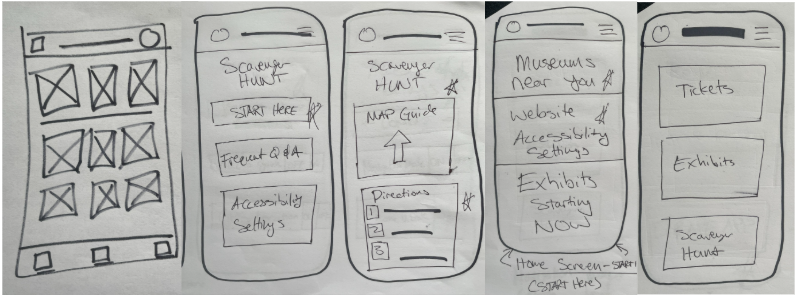
This project taught me the value of iteration and user feedback. Revisiting my original wireframes and reshaping them based on real user insights deepened my trust in the design process. I enjoyed watching users navigate the prototype on their own and seeing their reactions in real time. I also gained a deeper appreciation for accessibility and the power of gamification to make learning more engaging and inclusive.